
From remediating InDesign files, building templates to converting them to accessible PDFs and EPUBs, our expertise in handling Indesign Accessibility is unmatched.
 Upload Document
 Talk to Us

100+
Accessibility Experts

1M+
Documents Remediated

99.9%
Accuracy
Trusted by leading Organizations and Content Owners




Accessibility Starts in the InDesign File
Although InDesign includes accessibility features, creating an accessible PDF requires more than simply exporting a file. Elements such as headings, tables, images, multi-column layouts, hyperlinks, and document navigation must be structured correctly within the source file. If reading order, tagging, or image descriptions are not properly configured, the final document can become difficult for screen reader users and other people with disabilities to navigate. Addressing these issues early helps create accessible PDFs, EPUBs, and other digital publications that provide a better user experience.
Our InDesign Accessibility Services

InDesign File Remediation
Accessibility issues are addressed directly within the source file to create a stronger foundation for compliant digital outputs. This includes correcting document structure, heading hierarchies, reading order, alternative text, tables, hyperlinks, and other barriers that can affect usability. The result is a remediated file ready for accessible PDF and EPUB production. Accessible document and page templates help teams create consistent, compliant content.

Accessible InDesign Document Templates
Across recurring publications and document workflows. Templates are structured with properly configured styles, accessible layouts, reusable components, and established accessibility best practices, making ongoing content production more efficient.

Accessible EPUB Conversion from InDesign
InDesign publications can be converted into accessible EPUBs optimized for assistive technologies and digital reading platforms. Content structure, navigation, image descriptions, and reading order are carefully refined to support a more accessible and consistent reading experience across devices.

InDesign Accessibility Audits
An accessibility audit helps identify issues within InDesign files that may affect the usability of PDFs, EPUBs, and other digital publications. The review covers document structure, heading hierarchy, reading order, image descriptions, tables, hyperlinks, navigation elements, and other accessibility considerations. Findings are documented along with recommendations to help teams address issues before publication.

InDesign Workflow Consulting
We help organizations build accessibility into their InDesign document workflows from the start. Our team reviews existing processes, identifies workflow gaps, and recommends practical improvements that support accessibility requirements. By optimizing document creation workflows, we help teams produce accessible PDFs more efficiently, consistently, and at scale.

Interactive PDF Forms from InDesign
Interactive PDF forms can be created or remediated from InDesign files to support accessibility requirements and improve usability. Form fields, labels, tab order, instructions, and validation messages are configured to work effectively with screen readers, keyboard navigation, and other assistive technologies. Each form is reviewed to help ensure a compliant and user-friendly experience.
Need Expert Guidance? Schedule a Free Consultation Today!
Simple 4-Step InDesign Accessibility Process
1
Upload
Start by uploading files directly to a Documenta11y account or by sharing links from third-party storage services for a secure and seamless transfer.
2
Expert Review
Documents are carefully analyzed using a combination of automated tools and accessibility experts. Every file is checked for errors, alt text, reading order, color contrast, and other accessibility requirements.
3
Payment & Project Initiation
After reviewing a personalized quote, complete a secure online payment. Once confirmed, Documenta11y’s specialists begin remediating the PDFs.
4
Project Delivery
Remediated documents are uploaded to the project dashboard, ready for download and immediate use.
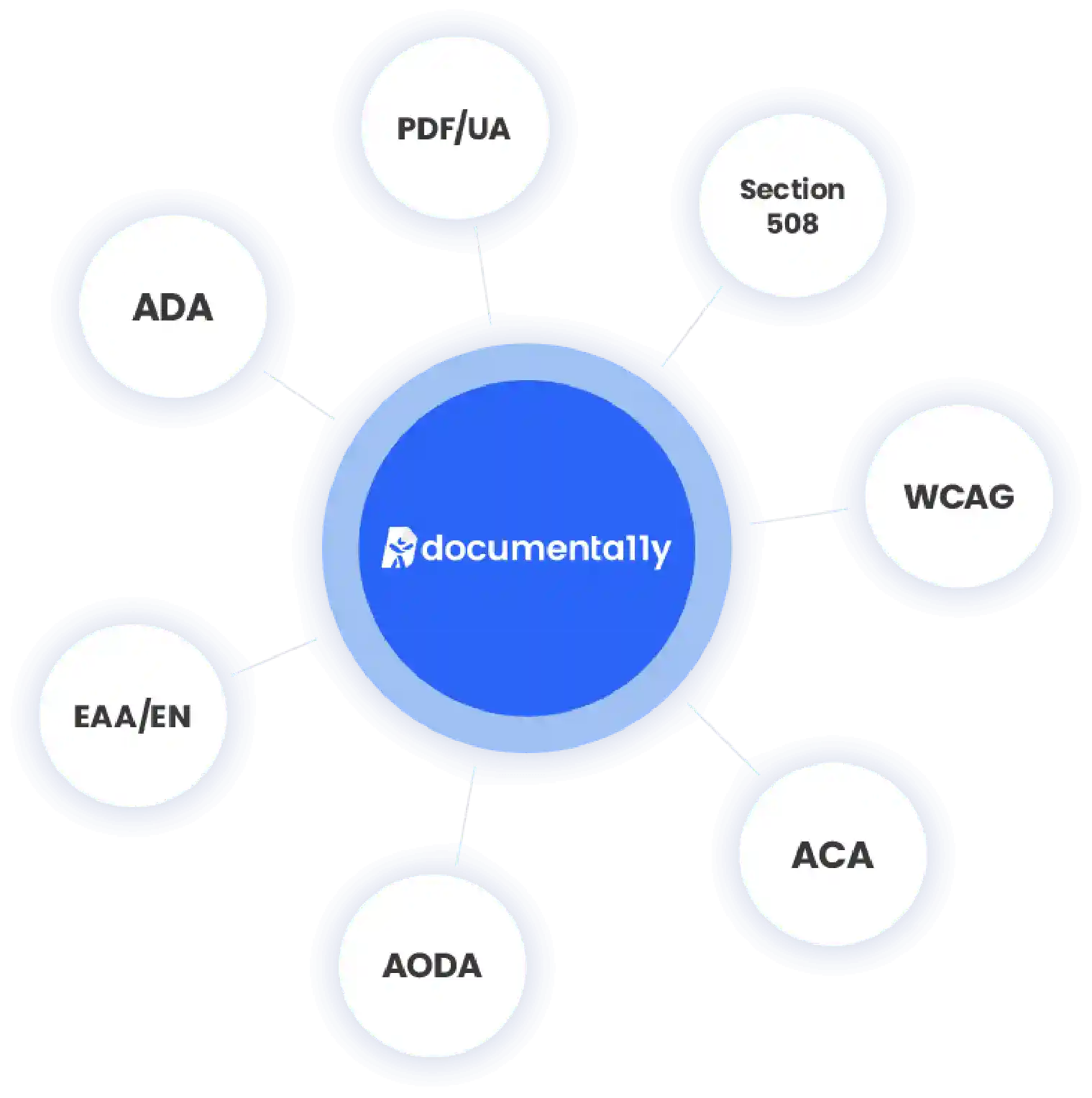
Accessibility Standards Supported by Our InDesign Services
Stop worrying about complex compliance standards. Documenta11y simplifies InDesign accessibility, ensuring your documents are fully compliant with WCAG, ADA, Section 508, PDF/UA, and more, while saving you time and resources.
Why Organizations Choose Documenta11y

Industry-leading Experts in Indesign Accessibility
Backed by more than 30 years of experience in content transformation, our team has helped organizations convert millions of pages into accessible digital formats. Extensive experience working with InDesign files across books, journals, annual reports, educational content, and other complex publications enables accessibility to be addressed at the source. This approach supports the production of high-quality PDFs, EPUBs, and other accessible digital publications at scale.

Benetech GCA Certified Expertise
As a trusted Benetech Global Certified Accessible (GCA) partner, documenta11y (Accessibility division of Apex CoVantage) brings recognized expertise in creating accessible digital content. Our team supports the production of born-accessible publications and documents aligned with industry accessibility standards, helping organizations build accessibility into content from the start rather than relying solely on post-production remediation.

Accessible Word
Mature workflows, quality controls, and established accessibility processes support the delivery of accessible content at scale. From recurring reports to large publishing programs, accessibility can be managed across thousands of publications while maintaining consistency, accuracy, and quality throughout the production lifecycle.

Support for Complex InDesign Content
From long-form reports and textbooks to interactive PDF forms and data-heavy publications, we handle a wide range of InDesign document types and accessibility requirements.

Trusted by Publishers and Content Teams
Our experience spans books, journals, research publications, annual reports, educational content, and other document-intensive projects where structure and accessibility are critical.